
Free 1v1 Video Call with One Person at a Time
WHO App Live puts you on a live 1 on 1 video chat with one random person. Nobody else joins, nobody watches, and starting costs nothing.



What a 1v1 Video Call on WHO Actually Is
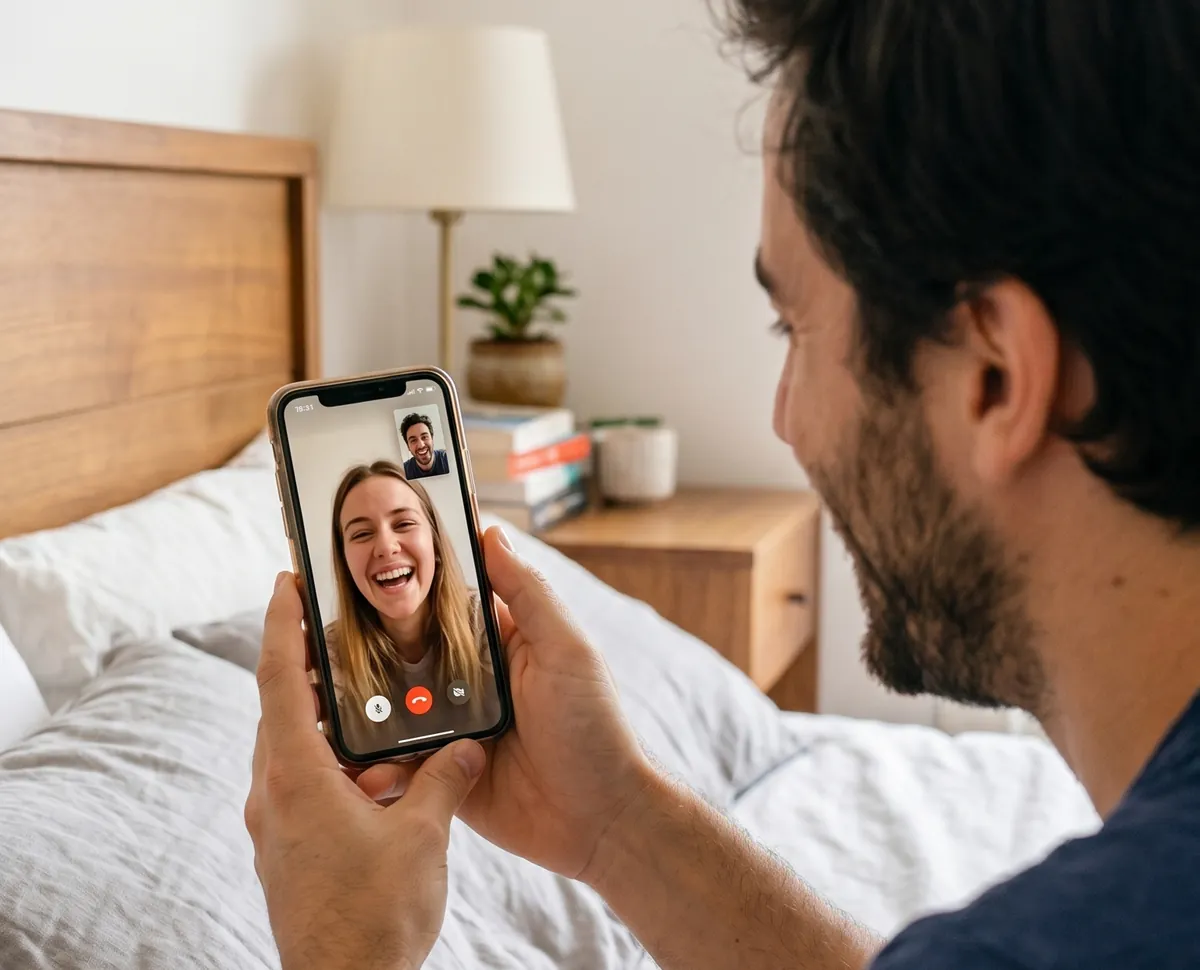
A 1v1 video call on WHO App Live is a live camera conversation between exactly two people: you and one person WHO matches you with. You press start, your browser asks for the camera, and the other person appears. When you want someone new, Next loads the next match into the same window without a page reload.

Price to start
Free
Account needed
None to start
Where it runs
Browser or Android app
1v1 Video Chat Compared with Group Calls and Live Streams
A 1v1 video call differs from a group call and a live stream in who is on screen, who can join and who is watching. Here is how the three compare in practice.
In practice
01People on screen
Group video call
Everyone in the call
Live stream
One host
1v1 video call on WHO
Two: you and one match
02Who else can join
Group video call
Anyone with the invite
Live stream
Anyone who opens the stream
1v1 video call on WHO
Nobody
03Who is watching
Group video call
The whole group
Live stream
An audience you cannot see
1v1 video call on WHO
Nobody
04Meeting someone new
Group video call
You need an invite first
Live stream
You join someone else's audience
1v1 video call on WHO
Press start and get matched
05Moving on
Group video call
Leave and find another group
Live stream
Close it and search again
1v1 video call on WHO
Tap Next for a new person
The difference that matters most is attention. In a 1v1 chat the other person is talking to you, not to a room, so a quiet person gets the same space as a talkative one.
If you came here missing Omegle, our Omegle alternative page explains what happened to it and how a 1v1 call on WHO compares.
If you are curious about a more specific type of match, our video call with females page takes a closer look.
How to Start a 1v1 Video Chat in Four Steps
There is no profile to build and no waiting room. The whole route from this page to a live call looks like this.
 Start Video Chat
Tap Start Video Chat
WHO opens the video chat and starts looking for a match. No form appears first.
Allow camera and microphone
Your browser or phone asks once. Allow both so the other person can see and hear you.
Say hello to your match
One person appears on screen. The call is live from that moment, for both of you.
Stay, or tap Next
Keep talking while it works. When it stops working, Next brings in someone new in the same window.
Random Matching, or a Filter Before You Start
Matching on WHO is random unless you change it. That is what makes it a random video call: you meet people you would never have searched for. If you want a little more control, set a filter before you press start.
Leave it random
With no filter, WHO connects you to the next available person. It is the quickest way to a 1v1 live video call and the widest mix of people.
Match by language
Set a language filter and WHO matches you inside it. Useful when you want a conversation without a language barrier, or when you are practising one.
Match by region
Prefer people closer to home? Filter by region. Turn it off again whenever you want to go global.
Curious how the random part works, from the people waiting to the Next tap? Our random video chat page walks through it frame by frame.
If you want the wider view of how a call plays out in real time, see our live video chat guide.
Is a 1v1 Video Call on WHO Free?
Yes. Starting a 1v1 video call on WHO costs nothing, and you do not need to enter a card to try it. A few extras are paid, and they are optional.
Pricing
Free
Starting a 1v1 video call
Random matching
Next, to move on to someone new
Block and Report on every call
Optional
A few extras inside WHO, paid and optional
None of them needed to hold a conversation
That split means you can judge the 1v1 video chat itself before deciding whether any extra is worth it to you.
For the full list of what stays free and what counts as an extra, our free video call page goes through it line by line.
Phone, Laptop, or the Android App
WHO runs in the browser, so most people never install anything. The camera prompt and the three controls look the same on every screen.
Any modern browser
Open WHO on a laptop or desktop and the call runs in the tab. A larger screen and a steadier frame suit longer conversations.
Android
Use the browser, or get the WHO Live Video Chat app from Google Play if you prefer a 1v1 video call app with its own icon.
iPhone
Open WHO in Safari or any other browser. Add it to your home screen and it opens with one tap, like an app.
Next, Block and Report: What Each Control Does
Every 1v1 video chat on WHO carries the same three controls on screen. They differ less in what happens now than in what happens afterwards.
Control
During the call
Afterwards
NextDuring the call
Ends the match and loads a new person
Afterwards
Nothing is filed
During the call
Ends the match straight away
Afterwards
You are never matched with that person again
 Report
During the call
Ends the match and sends the session for review
Afterwards
The moderation team reads it and decides
Behind the buttons
Automated filters run on every WHO video chat and flag what they can. The moderation team reviews every report, so Report is the control that leads to action against an account.
What gets an account suspended for good
Harassing anyone in a video chat
Abuse aimed at who a person is
Being under age
What the Other Person Sees, and What WHO Records
WHO does not record the call itself. During a 1v1 video chat, the person you are matched with sees only what you choose to show and say.
Your match sees
Your camera and your voice
Whatever you decide to tell them
Your match does not see
 Your location
Your contact details
A WHO recording of the call
The rest is up to you. In a first conversation, keep your full name, address and workplace to yourself until you have a reason to share them.
Before your first call
Three Things That Make a First 1v1 Call Go Better
None of this needs equipment. It is about being seen, being heard, and getting past the first few seconds.
Face the light
Sit facing a window or a lamp, not with it behind you. Your match sees a face instead of a silhouette, and the conversation starts warmer.
Open with a real question
Ask where they are or what time it is there. Both always have an answer, which beats two people waiting in silence.
Check the connection
If the picture freezes, switch from mobile data to Wi-Fi or move closer to the router. A steady connection matters more than the device.
Questions About 1v1 Video Chat on WHO App Live
Can I try a 1v1 video call without paying anything?
Yes. You can start, get matched and talk without a card. The paid extras inside WHO are optional, so you can decide whether you like the format first.
Do I have to sign up before my first call?
No. Press start and you are matched without an account. Signing in becomes useful later if you want to see who is online.
Is there a WHO app for iPhone?
Not in the App Store. On an iPhone, WHO runs in Safari or any other browser, and you can add it to your home screen. Android users can choose between the browser and the app on Google Play.
Can a third person join my 1v1 video chat?
No. Every call on WHO is a 1 on 1 video call. Nobody else can join the call, and nobody is watching it.
Can I choose a specific person to call?
Matching is random by default. What you can choose is the pool: set a language or region filter before you start and WHO matches you inside it.
Will my match know where I am?
Not from the call. WHO does not show your location to the person you are talking to, so decide before the call how much you want to share with someone new.
What happens after I report someone?
Your call ends at once and the session goes to the moderation team, which reviews every report and decides what happens to the account.
Why can the other person not see me?
Usually the camera permission was declined. Allow camera and microphone in your browser's site settings or your phone's app permissions, then start a new call.
Start Your Free 1v1 Video Call
One tap, one camera prompt, one person on the other side. If the match is not right, Next is always on screen. If it is, you will know within a minute.
Start Video Chat
Alternatives
 contact@whoapplive.com
Start Now
contact@whoapplive.com
Start Now